Last updated on September 14th, 2026 at 04:49 am
You send a message on your iPhone, expecting the usual blue bubble. But suddenly it turns green. No warning. No explanation. Just green text sitting there like something changed.
You start wondering if the message failed, if you got blocked, or if your phone is broken.
This is exactly why so many people search for green text meaning on iPhone.
It looks simple, but it confuses millions of users every day. The color change feels small, but it can change how people understand a conversation.
The truth is, green text is not random. It has a clear reason behind it, and it does not always mean something bad. In this guide, you will learn what green text really means, when it shows up, and how people use it in real life chats.
By the end, you will never feel confused when you see it again.
What Does “Green Text Meaning on iPhone” Mean in Text?
The green text meaning on iPhone refers to messages sent through regular SMS instead of iMessage, shown in green bubbles.
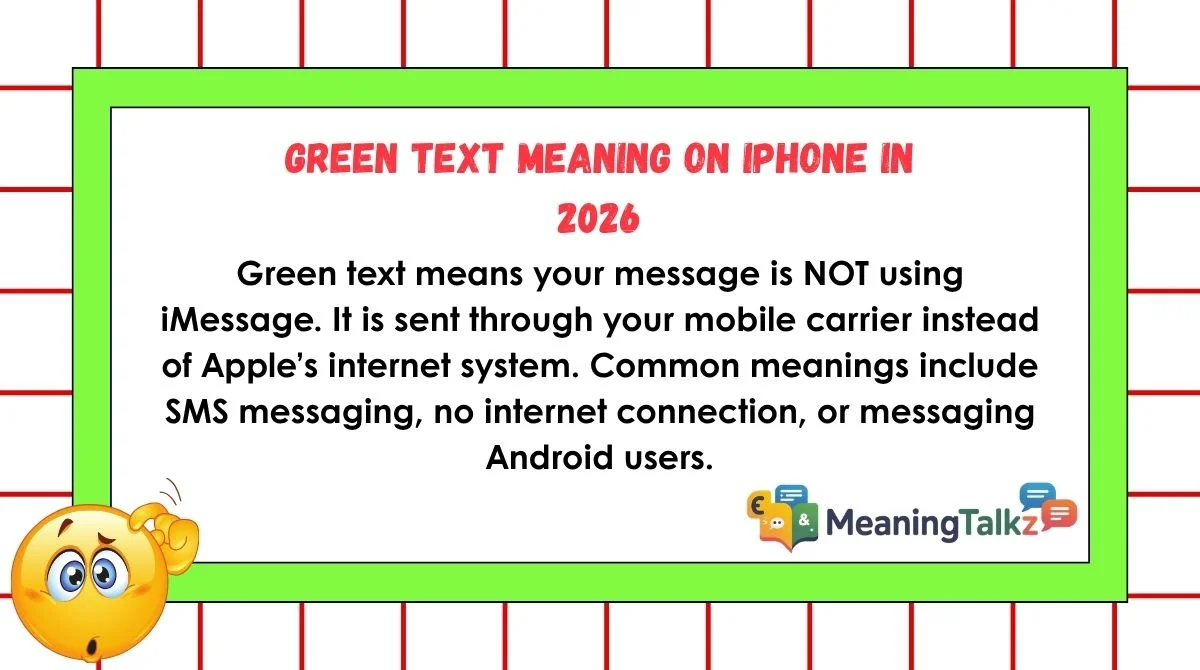
Green text means your message is NOT using iMessage. It is sent through your mobile carrier instead of Apple’s internet system. Common meanings include SMS messaging, no internet connection, or messaging Android users.
In short, green text usually means:
- SMS message instead of iMessage
- No internet or iMessage turned off
- Messaging non-Apple devices
- Carrier-based sending instead of Apple servers
Does Green Text Mean SMS or RCS on iPhone?
Not necessarily. On current iPhones, a green bubble can represent RCS, SMS, or MMS, while blue bubbles indicate iMessage. Apple introduced RCS support on iPhone, giving messages to supported non-Apple devices features such as higher-quality photos and videos, delivery receipts, read receipts, and typing indicators.
This means the old rule of “green equals SMS” is no longer completely accurate in 2026. If you are texting an Android user, for example, the conversation may use RCS rather than traditional SMS. The exact service depends on your carrier, settings, and whether RCS is supported.
Can Green Text Mean Someone Blocked You?
A green bubble by itself is not proof that someone blocked you. Apple lists several ordinary reasons a message may appear green, including the recipient not having an Apple device, iMessage being disabled, or iMessage being temporarily unavailable.
If a conversation suddenly changes from blue to green, that does not automatically tell you what happened to the other person’s phone. They could have switched devices, changed messaging settings, or experienced an iMessage availability issue. A green bubble is therefore a technical indicator of the messaging method, not a reliable signal of someone’s relationship status, intentions, or whether they blocked you.
The Most Common Meanings of “Green Text Meaning on iPhone”
Green text can mean different things depending on the situation. Here are the main ones.
1. SMS Message (Normal Carrier Text)
This is the most common meaning. When iMessage is not used, your iPhone sends a normal text through your carrier.
Example:
You text someone and see green bubbles because they use Android.
2. iMessage Is Turned Off
If iMessage is disabled in settings, all messages become green.
Example:
You turned off iMessage, so every chat now looks like SMS.
3. No Internet Connection
iMessage needs internet. Without Wi-Fi or mobile data, your phone switches to green SMS.
Example:
You are in a low network area, and messages turn green automatically.
4. Messaging Android or Non-Apple Users
Green text appears when chatting with Android phones or older devices.
Example:
iPhone to Android = always green bubbles.
How “Green Text Meaning on iPhone” Is Used in Real Conversations
Green text affects how people chat across different platforms and situations.
Friends & Casual Texting
Friends may notice green bubbles when someone switches phones or loses internet. It usually does not change the meaning of the message itself.
Example:
“Why is your text green?”
“Yeah, I switched to data off mode.”
Instagram & Snapchat
While Instagram and Snapchat don’t use SMS, people still talk about green text when comparing messaging styles or phone systems.
Example:
“Your messages look green, are you on Android?”
Dating Apps
Some people notice green bubbles and assume the person is not using iPhone or iMessage, which sometimes creates unfair judgment.
Example:
Green text might wrongly signal “old phone” or “bad connection,” even when it is normal.
Gaming & Online Communities
Players often use green text chats when SMS is used for verification codes or fallback messages when apps fail.
Example:
Game login codes often arrive as green SMS messages.
Work or Professional Chat
In work communication, green text usually means fallback SMS when app-based messaging fails.
Example:
“System down, sending SMS instead of app messages.”
Is “Green Text Meaning on iPhone” Rude, Flirty, or Offensive?
Green text itself is not rude, flirty, or offensive. It is neutral. But people sometimes attach meaning to it.
Positive Meaning
- Works fine in low signal areas
- Simple SMS communication
- Reliable backup when apps fail
Negative Misunderstanding
- Some think green text means “low tech”
- Others assume no iPhone or outdated device
- Sometimes seen as less “premium” messaging
Psychological Effect
People often judge colors. Blue feels modern (iMessage). Green feels basic (SMS). But this is only perception, not truth.
How to Respond When Someone Says “Green Text Meaning on iPhone”
Here are simple ways to respond when someone notices your green messages.
Casual Replies
- “My iMessage is off right now.”
- “No internet, so SMS is on.”
- “It’s just normal text.”
Funny Replies
- “Green is just my backup mode.”
- “Old school texting activated.”
- “Carrier mode: on.”
Neutral Replies
- “I’m using SMS instead of iMessage.”
- “My data is off at the moment.”
Professional Replies
- “I’m currently sending messages via SMS due to connectivity settings.”
- “iMessage is disabled, so messages are delivered through carrier service.”
Common Misunderstandings About “Green Text Meaning on iPhone”
Many people misunderstand green text and assume things that are not true.
Wrong Assumption 1: You Are Blocked
Green text does NOT mean you are blocked. Blocking is different and does not depend on bubble color.
Wrong Assumption 2: Phone Is Broken
Your phone is not broken. It is just using SMS instead of iMessage.
Wrong Assumption 3: Low Quality Device
Green text does not mean low quality phone. Even new iPhones show green SMS messages.
Confusing With Internet Issues
Sometimes people think green text means bad internet, but it can also happen even with strong connection if iMessage is off.
Similar Slang Terms You Should Know
Here are related texting and iPhone messaging terms:
- Blue bubble: iMessage chat
- SMS: regular text message
- iMessage: Apple messaging system
- RCS: upgraded Android messaging system
- Delivered: message sent successfully
- Read receipt: shows message was seen
- Airplane mode: disables all network connections
- No service: no mobile signal
- Typing indicator: shows someone is typing
- FaceTime: Apple video call system
- Carrier message: SMS through mobile network
- Bubble color: message type indicator
When You Should Avoid Using “Green Text Meaning on iPhone”
Green text is normal, but sometimes discussing it or relying on it can be sensitive.
Professional Settings
Avoid focusing on message color in business chats. It does not matter for work communication.
Cross-Cultural Chats
Not everyone understands iPhone color coding. Some users may not know what green or blue means.
Sensitive Situations
Do not assume meaning from green text in emotional or serious conversations. It can lead to misunderstandings.
Final Thoughts
Green text on iPhone is simple, but many people overthink it. It mostly means your message is sent as SMS instead of iMessage. This can happen due to settings, internet issues, or the person you are texting.
There is no hidden message behind it. No secret warning. Just a different way your phone sends text.
Understanding green text meaning on iPhone helps you avoid confusion and misjudging conversations. Once you know the reason, the color stops feeling mysterious and becomes just another normal part of messaging.
FAQs
What does green text mean on iPhone messages?
It means your message is sent as SMS instead of iMessage.
Does green text mean I am blocked?
No. Blocking does not depend on message color.
Why are my iPhone messages green?
Because iMessage is off, no internet, or you are texting Android users.
Can green text still deliver messages?
Yes, it works through your mobile carrier.
Is green text bad or a problem?
No, it is normal SMS messaging.
Why do some contacts show blue and others green?
Blue is iMessage, green is SMS.
Can I change green text back to blue?
Yes, by turning on iMessage and using internet.
Conclusion
Green text on iPhone is not a mystery or error. It is simply a different messaging system. Once you understand it, you realize it is normal and useful in many situations. Whether it is iMessage or SMS, both do the same job: they deliver your message.